# Images and galleries

> The image render hook (WebP, responsive, zoomable), image sizes, captions and the gallery shortcodes.

_Source: https://theme.docs.tbsch.de/post/2026-02-02-images-and-galleries/ · As of: 2026-02-02_


This post has a **feature image**: an image named `feature.webp` in the post
bundle is automatically picked up as the hero background. (Alternatively,
`featureimage:` in the front matter applies, or an image named
`*background*`/`*cover*`/`*thumbnail*` in the bundle, or the site's
`defaultBackgroundImage`.)

## The image render hook

Every perfectly ordinary Markdown image is automatically converted to
**WebP**, served responsively in several sizes (`srcset`), lazy-loaded - and
zoomable via **lightbox** (*PhotoSwipe*). You simply write:

```markdown
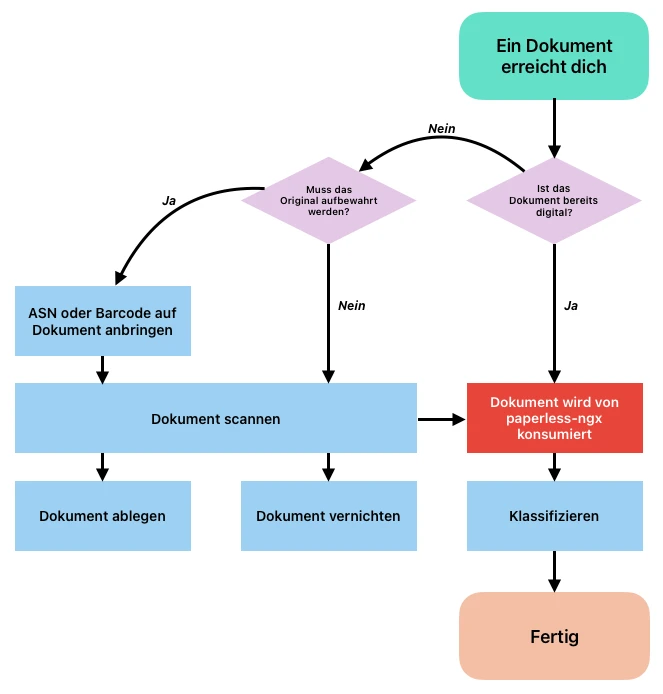
![A workflow as a diagram](workflow.webp)
```

![A workflow as a diagram](workflow.webp)

Clicking the image opens the full resolution. No manual converting, no
linking to the original image.

## Captions

A Markdown *title* (in quotes after the URL) becomes the visible caption -
and at the same time the caption in the lightbox:

```markdown

![Alt text](workflow.webp "A **caption** with Markdown.")
```

![Alt text](workflow.webp "A **caption** with Markdown.")

## Image sizes

Via a block attribute on the line *below* the image you can limit the width -
`small`, `medium`, `large` or `wide`:

```markdown

![Alt](workflow.webp)
{class="medium"}
```

All four sizes side by side - `small` (narrow, e.g. for portrait
screenshots), `medium`, `large` and `wide` (breaks out of the text column):

![A small image](workflow.webp "small")
{class="small"}

![A medium-sized image](workflow.webp "medium")
{class="medium"}

![A large image](workflow.webp "large")
{class="large"}

![A wide image](workflow.webp "wide")
{class="wide"}

## Gallery - automatic

The `gallery` shortcode lays out several images as columns (masonry). In
**automatic mode** you simply write one image per line; `cols` sets the
number of columns (default 3, 1 on phones). All images of a gallery form one
contiguous, swipeable lightbox group.

The split is **sequential**, not alternating: with six images and three
columns, images 1-2 end up in the first column, 3-4 in the second and 5-6 in
the third. On narrow viewports the columns dissolve and the images flow back
underneath each other in source order. A **caption** (Markdown title, see
above) works inside a gallery too - visible below the image and as the
lightbox caption:

```markdown
{{< gallery cols="3" >}}
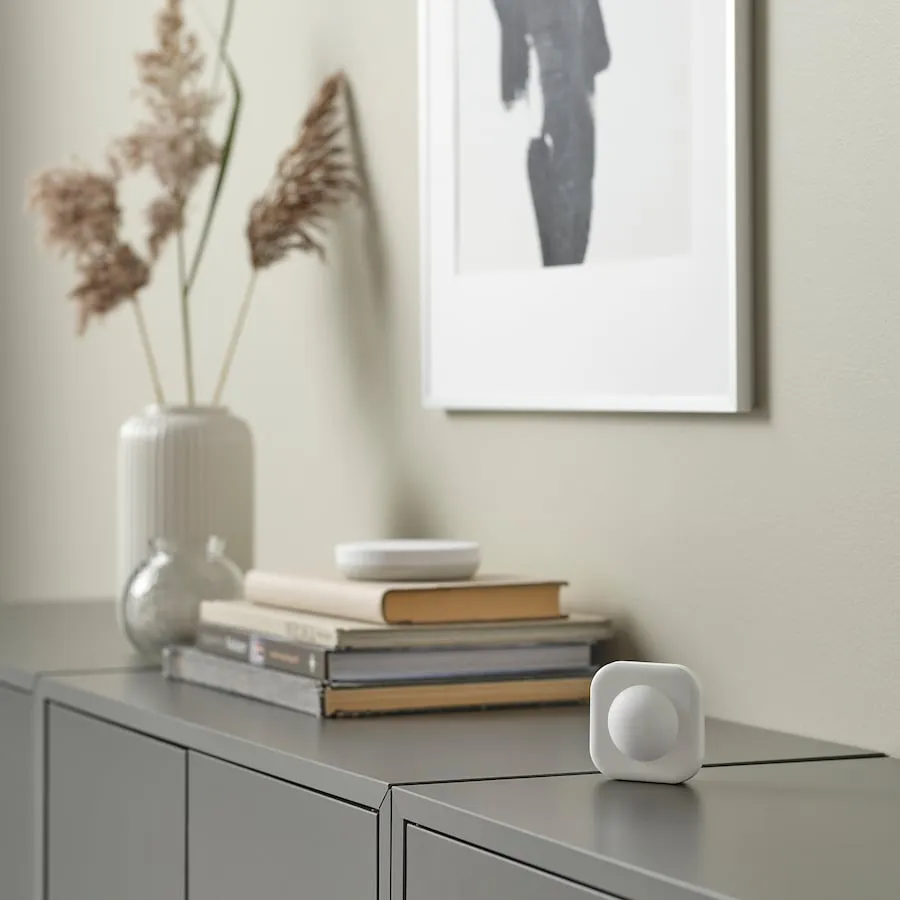
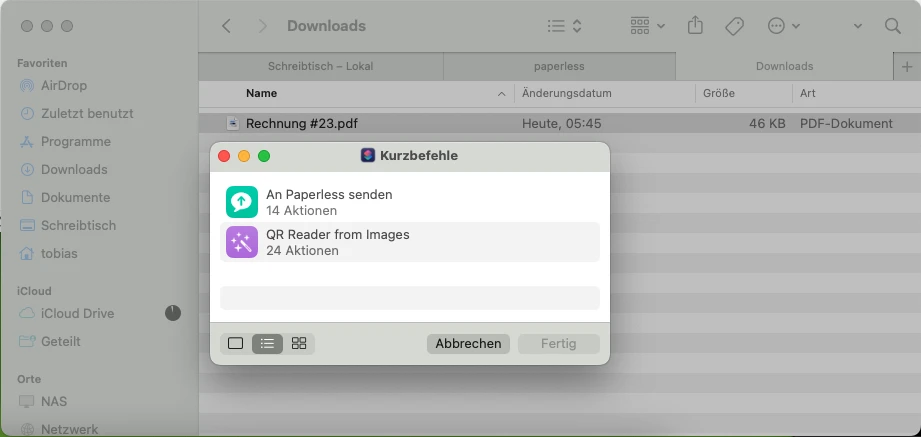
![Living room](galerie/bild-1.webp "The dashboard in the living room.")
![Inverter](galerie/bild-2.webp)
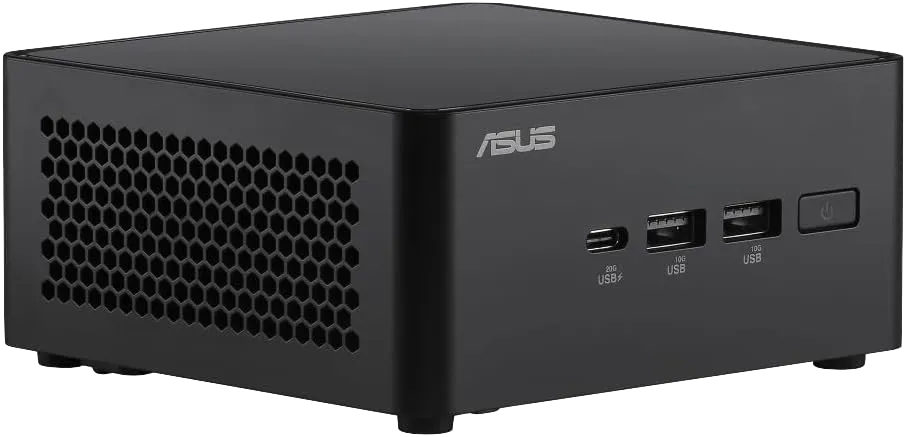
![Mini PC](galerie/bild-3.webp)
![On the Mac](galerie/bild-4.webp)
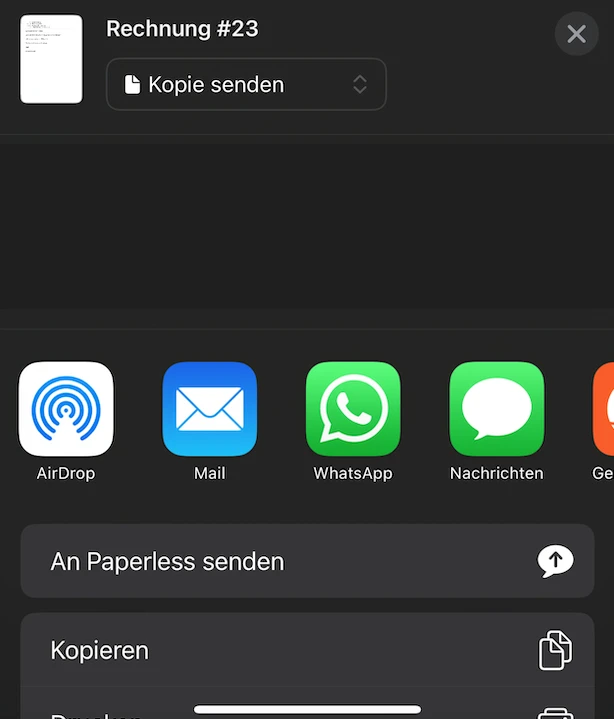
![On the iPhone](galerie/bild-5.webp)
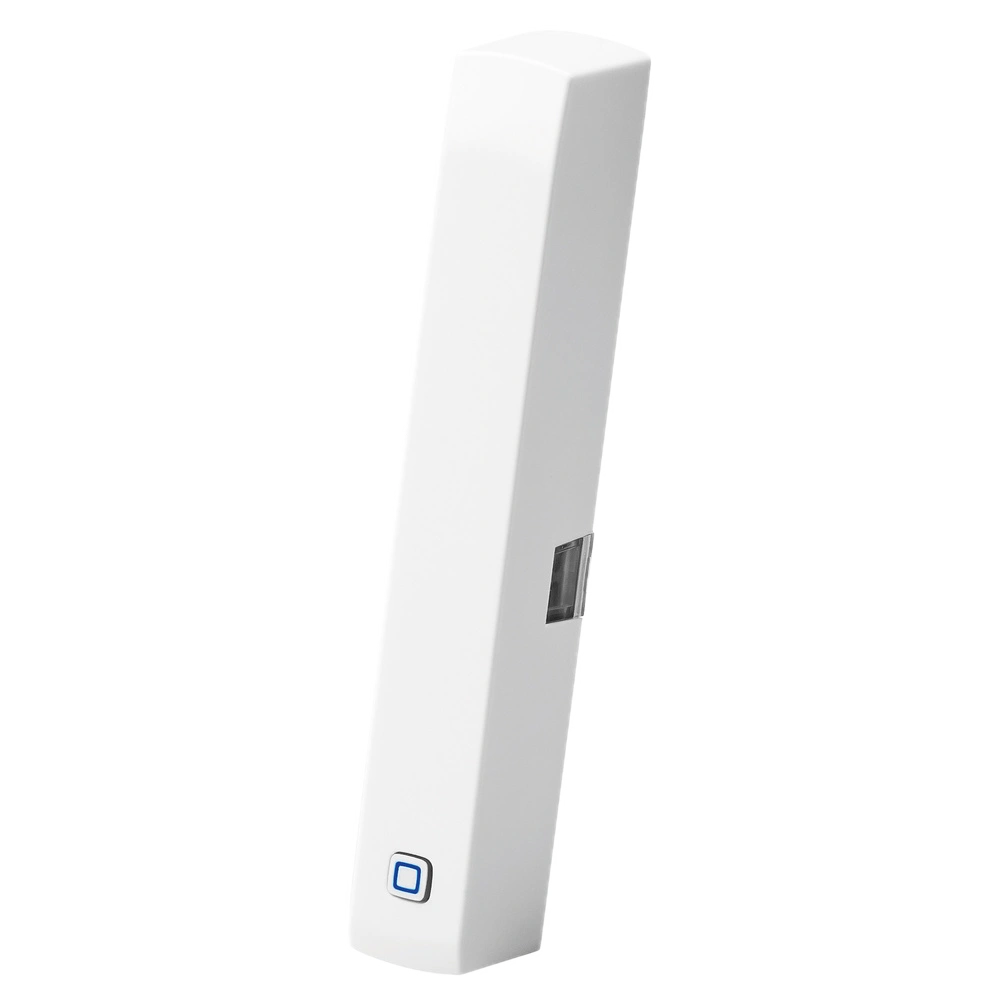
![Window sensor](galerie/bild-6.webp)
{{< /gallery >}}
```

<div class="tb-gallery" style="--tb-gallery-cols:3"><div class="tb-gallery-col"><figure class="tb-figure"><a class="tb-zoom" href="/post/2026-02-02-images-and-galleries/galerie/bild-1.webp" data-pswp-width="900" data-pswp-height="900" data-alt="Living room" data-caption="The dashboard in the living room."><img alt="Living room"
      src="/post/2026-02-02-images-and-galleries/galerie/bild-1_hu_f855ebd278fbb83.webp"
      srcset="/post/2026-02-02-images-and-galleries/galerie/bild-1_hu_f0badc7c3df75f7f.webp 480w, /post/2026-02-02-images-and-galleries/galerie/bild-1_hu_f855ebd278fbb83.webp 768w"
      sizes="(max-width:480px) 100vw, 33vw"
      width="768" height="768" loading="lazy" decoding="async"></a><figcaption>The dashboard in the living room.</figcaption></figure><a class="tb-zoom" href="/post/2026-02-02-images-and-galleries/galerie/bild-2.webp" data-pswp-width="970" data-pswp-height="527" data-alt="Inverter"><img alt="Inverter"
      src="/post/2026-02-02-images-and-galleries/galerie/bild-2_hu_aedb4664733ad3f4.webp"
      srcset="/post/2026-02-02-images-and-galleries/galerie/bild-2_hu_11e5c2fb915aaaf8.webp 480w, /post/2026-02-02-images-and-galleries/galerie/bild-2_hu_aedb4664733ad3f4.webp 768w"
      sizes="(max-width:480px) 100vw, 33vw"
      width="768" height="417" loading="lazy" decoding="async"></a></div><div class="tb-gallery-col"><a class="tb-zoom" href="/post/2026-02-02-images-and-galleries/galerie/bild-3.webp" data-pswp-width="907" data-pswp-height="437" data-alt="Mini PC"><img alt="Mini PC"
      src="/post/2026-02-02-images-and-galleries/galerie/bild-3_hu_ff989385fdebfc9c.webp"
      srcset="/post/2026-02-02-images-and-galleries/galerie/bild-3_hu_f992853b3abce1fa.webp 480w, /post/2026-02-02-images-and-galleries/galerie/bild-3_hu_ff989385fdebfc9c.webp 768w"
      sizes="(max-width:480px) 100vw, 33vw"
      width="768" height="370" loading="lazy" decoding="async"></a><a class="tb-zoom" href="/post/2026-02-02-images-and-galleries/galerie/bild-4.webp" data-pswp-width="921" data-pswp-height="437" data-alt="On the Mac"><img alt="On the Mac"
      src="/post/2026-02-02-images-and-galleries/galerie/bild-4_hu_a11ce7d248ba3a2b.webp"
      srcset="/post/2026-02-02-images-and-galleries/galerie/bild-4_hu_d0c7f95cc89ca50a.webp 480w, /post/2026-02-02-images-and-galleries/galerie/bild-4_hu_a11ce7d248ba3a2b.webp 768w"
      sizes="(max-width:480px) 100vw, 33vw"
      width="768" height="364" loading="lazy" decoding="async"></a></div><div class="tb-gallery-col"><a class="tb-zoom" href="/post/2026-02-02-images-and-galleries/galerie/bild-5.webp" data-pswp-width="614" data-pswp-height="719" data-alt="On the iPhone"><img alt="On the iPhone"
      src="/post/2026-02-02-images-and-galleries/galerie/bild-5_hu_e7ece7412467fc55.webp"
      srcset="/post/2026-02-02-images-and-galleries/galerie/bild-5_hu_e7ece7412467fc55.webp 480w"
      sizes="(max-width:480px) 100vw, 33vw"
      width="480" height="562" loading="lazy" decoding="async"></a><a class="tb-zoom" href="/post/2026-02-02-images-and-galleries/galerie/bild-6.webp" data-pswp-width="1000" data-pswp-height="1000" data-alt="Window sensor"><img alt="Window sensor"
      src="/post/2026-02-02-images-and-galleries/galerie/bild-6_hu_63df553b87718575.webp"
      srcset="/post/2026-02-02-images-and-galleries/galerie/bild-6_hu_4fdb27c9b2be0fcf.webp 480w, /post/2026-02-02-images-and-galleries/galerie/bild-6_hu_63df553b87718575.webp 768w"
      sizes="(max-width:480px) 100vw, 33vw"
      width="768" height="768" loading="lazy" decoding="async"></a></div></div>

## Gallery - explicit columns

For full control over which image sits in which column, nest
`gallery-column`. The `cols` parameter is **ignored** in this mode - the
number of columns follows from the number of `gallery-column` blocks, and
within a column the images stack in the order you write them. That lets you
distribute portrait and landscape shots deliberately, or pin a particular
image to the top left. Lightbox grouping and mobile behaviour are the same
as in automatic mode.

```markdown
{{< gallery >}}
  {{< gallery-column >}}

![Living room](galerie/bild-1.webp)
![Mini PC](galerie/bild-3.webp)
  {{< /gallery-column >}}
  {{< gallery-column >}}
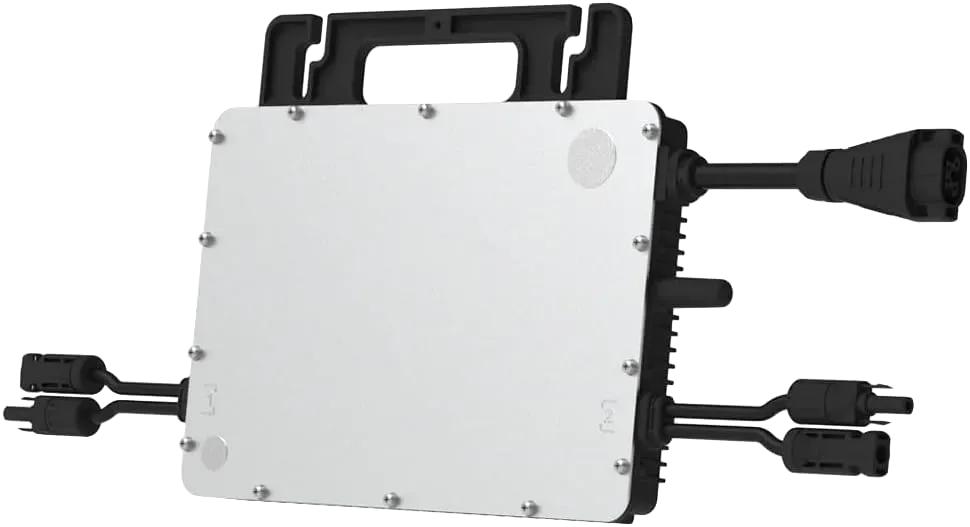
![Inverter](galerie/bild-2.webp)
![Window sensor](galerie/bild-6.webp)
  {{< /gallery-column >}}
{{< /gallery >}}
```

<div class="tb-gallery" style="--tb-gallery-cols:2">
  <div class="tb-gallery-col"><a class="tb-zoom" href="/post/2026-02-02-images-and-galleries/galerie/bild-1.webp" data-pswp-width="900" data-pswp-height="900" data-alt="Living room"><img alt="Living room"
      src="/post/2026-02-02-images-and-galleries/galerie/bild-1_hu_f855ebd278fbb83.webp"
      srcset="/post/2026-02-02-images-and-galleries/galerie/bild-1_hu_f0badc7c3df75f7f.webp 480w, /post/2026-02-02-images-and-galleries/galerie/bild-1_hu_f855ebd278fbb83.webp 768w"
      sizes="(max-width:480px) 100vw, 50vw"
      width="768" height="768" loading="lazy" decoding="async"></a>
<a class="tb-zoom" href="/post/2026-02-02-images-and-galleries/galerie/bild-3.webp" data-pswp-width="907" data-pswp-height="437" data-alt="Mini PC"><img alt="Mini PC"
      src="/post/2026-02-02-images-and-galleries/galerie/bild-3_hu_ff989385fdebfc9c.webp"
      srcset="/post/2026-02-02-images-and-galleries/galerie/bild-3_hu_f992853b3abce1fa.webp 480w, /post/2026-02-02-images-and-galleries/galerie/bild-3_hu_ff989385fdebfc9c.webp 768w"
      sizes="(max-width:480px) 100vw, 50vw"
      width="768" height="370" loading="lazy" decoding="async"></a></div>

  <div class="tb-gallery-col"><a class="tb-zoom" href="/post/2026-02-02-images-and-galleries/galerie/bild-2.webp" data-pswp-width="970" data-pswp-height="527" data-alt="Inverter"><img alt="Inverter"
      src="/post/2026-02-02-images-and-galleries/galerie/bild-2_hu_aedb4664733ad3f4.webp"
      srcset="/post/2026-02-02-images-and-galleries/galerie/bild-2_hu_11e5c2fb915aaaf8.webp 480w, /post/2026-02-02-images-and-galleries/galerie/bild-2_hu_aedb4664733ad3f4.webp 768w"
      sizes="(max-width:480px) 100vw, 50vw"
      width="768" height="417" loading="lazy" decoding="async"></a>
<a class="tb-zoom" href="/post/2026-02-02-images-and-galleries/galerie/bild-6.webp" data-pswp-width="1000" data-pswp-height="1000" data-alt="Window sensor"><img alt="Window sensor"
      src="/post/2026-02-02-images-and-galleries/galerie/bild-6_hu_63df553b87718575.webp"
      srcset="/post/2026-02-02-images-and-galleries/galerie/bild-6_hu_4fdb27c9b2be0fcf.webp 480w, /post/2026-02-02-images-and-galleries/galerie/bild-6_hu_63df553b87718575.webp 768w"
      sizes="(max-width:480px) 100vw, 50vw"
      width="768" height="768" loading="lazy" decoding="async"></a></div>

</div>

## Linked images

An image that is itself a link is **not** added to the lightbox group -
handy for clickable logos:

```markdown
[![Hugo logo](galerie/bild-3.webp)](https://gohugo.io)
```

## Under the hood

What the gallery takes care of in the background - no further parameters
needed:

- Every image goes through the normal **image render hook**: WebP conversion,
  several `srcset` sizes, lazy loading.
- The `sizes` hint is rewritten per gallery to the **actual column width**
  (with three columns roughly a third of the viewport) - so the browser
  fetches the smallest fitting variant instead of the full width.
- The columns are **flex columns**, not CSS multi-columns: every column
  starts at the same top edge in every browser, with no engine-dependent
  balancing.
- On phones `display: contents` dissolves the columns - the images stack
  underneath each other in source order again.